Changelog

What's new in Stampeo

Everything we've shipped for you, week after week.

Stamps & rewardsCard designCustomers

Stackable rewards and custom stamps

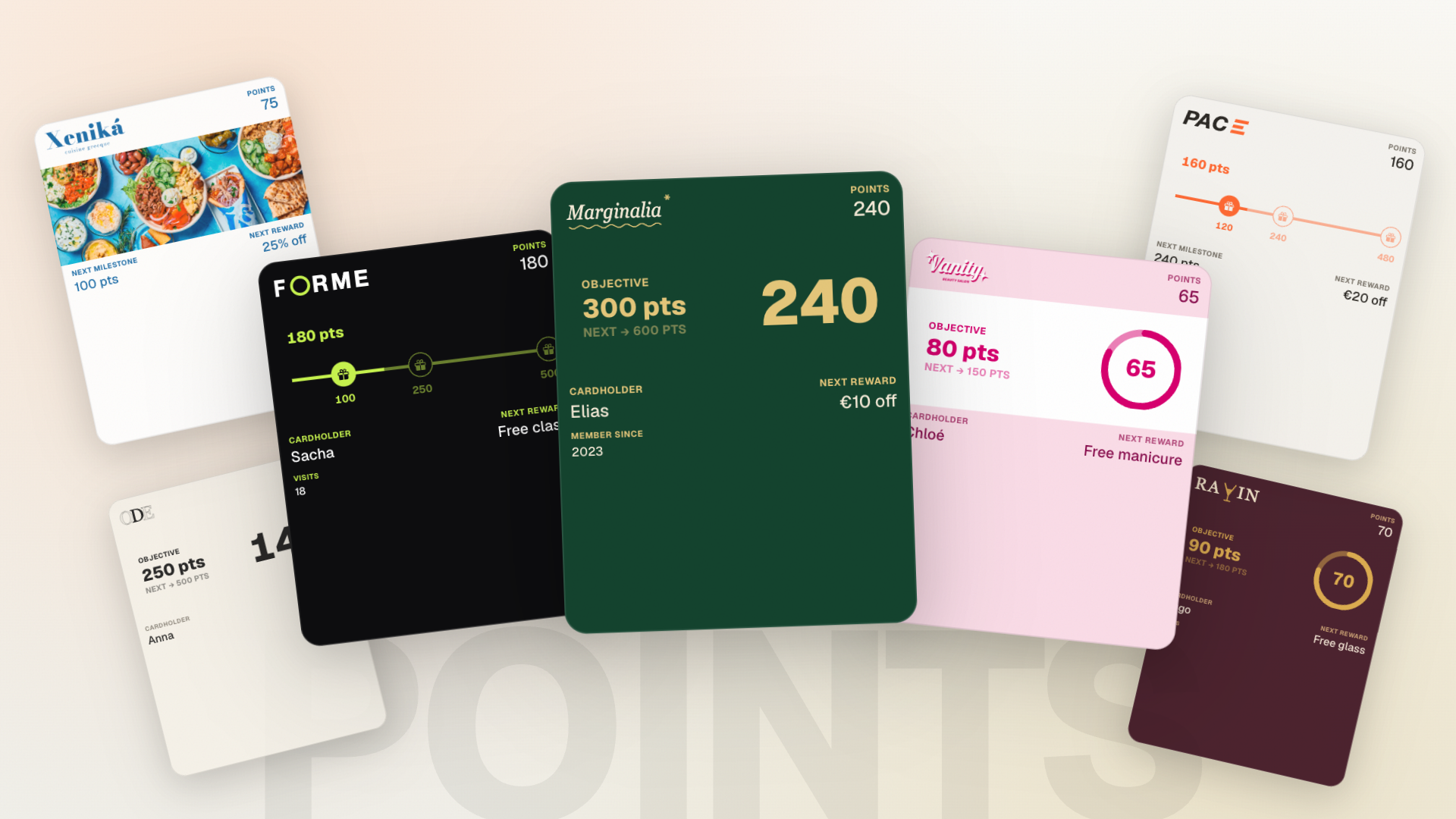
Your customers can now stack several rewards: extra stamps roll over instead of being lost. On the card side, upload your own stamp icon or pick from our presets, and offer a few head-start stamps to bring people back.

New Features

  • Stamps & rewards
    Stackable rewards

    Turn on reward stacking so extra stamps roll over and rewards stack up instead of being lost.

  • Card design
    Custom stamp icons

    In your card style, upload your own icon or pick from our presets, with automatic background removal.

  • Stamps & rewards
    Head-start stamps

    Give a few stamps up front at signup to encourage new customers to come back.

  • Card design
    Card preview with your real values

    Dynamic card fields now show your real details (reward name, stamp goal) in the preview.

  • Customers
    Clearer customer profile on mobile

    The customer list and profile were reworked to stay readable and easy to use on a small screen.

LocationsScanner appBillingSettings

Manage multiple locations

Multi-location support arrives for Pro businesses: track activity per location, assign your team, and target your broadcasts, all from a single business. The scanner app also asks which location at login.

New Features

  • Locations
    Multiple locations (Pro)

    From your locations, create and manage several addresses under one business, with per-location stats and addresses completed through Google Maps.

  • Scanner app
    Location at scan timeFor your team

    At login, the member picks their location. Each stamp is then attributed to the right place.

  • Billing
    Pro plan self-serve

    The Pro plan is now available to subscribe to directly, with no manual step.

  • Scanner app
    Scanner app on the App Store and Google PlayFor your team

    The scanner app is published on the App Store and Google Play. Download links are on the member welcome page.

  • Billing
    Subscription required to stay active

    When the trial ends or a subscription lapses, dashboard access pauses until you reactivate. Your data stays safe.

  • Settings
    Sign-in that recognises returning users

    After sign-in, new and returning users are routed to the right place instead of a one-size-fits-all path.

  • Settings
    Members no longer see the owner wizardFor your team

    A member signing in on the web lands straight on the scanner interface, not the owner-only setup wizard.

SettingsCard designDashboard

A brand-new setup journey, test card included

Setting up your program is completely reworked: a guided chapter-by-chapter wizard, and above all a real test card added to your own phone before subscriptions even come up. You feel exactly what your customers will feel.

New Features

  • Settings
    Guided setup wizard

    A chapter-by-chapter wizard walks you from your business name to your first broadcast. The essential steps are enough to launch, the rest adds polish.

  • Settings
    A real test card on your phone

    During setup, add your card to your own Apple Wallet or Google Wallet and receive a real stamp. You feel the product before you decide.

  • Card design
    Save before leaving the editor

    If you leave the card editor with unsaved changes, Stampeo offers to save instead of losing your work.

  • Dashboard
    A more readable dashboard

    Stat cards and their icons were reworked for a clearer dashboard on every screen.

SettingsCustomer signupApple & Google Wallet

Smoother mobile signup and cleaner emails

Signup is reworked for mobile. On the email side, tags that used to show as raw text are fixed and you can manage your email preferences.

New Features

  • Settings
    Email preferences

    Choose which emails you want to receive from your email preferences.

  • Customer signup
    Reworked mobile signup

    The signup flow is optimised for mobile, faster and clearer to follow on a small screen.

  • Apple & Google Wallet
    Reliable scans on multi-business wallets

    A customer holding cards from several businesses in their wallet is now always recognised on scan, with the correct stamp count.

Team

Sign in with Google and Apple

You and your team can now sign in with Google or Apple, on the web and in the scanner app. One less password to remember.

New Features

  • Team
    Google and Apple sign-in

    Create your account or sign in with one tap using Google or Apple, instead of email and password if you prefer.

CustomersTeamDashboard

Multiple businesses, no stepping on toes

If you run more than one business, a suspended one no longer blocks the others, and the app no longer loops when a business can't be found. There's also a small guide on customer segmentation.

  • Customers
    Segmentation explained at a glance

    A tooltip explains what customer segmentation does and how it picks who receives your broadcasts.

  • Team
    A suspended business no longer blocks others

    If you belong to several businesses and one is suspended, you can still reach the others.

  • Dashboard
    No more loop when a business is missing

    When a business can't be found, the app falls back cleanly to another active business instead of retrying endlessly.

  • Team
    Team role menu shows correctly

    The menu to change a member's role now appears above other elements instead of hiding behind them.

NotificationsBroadcastsMarketing siteCustomer signup

Automatic notifications and your first broadcasts

Your customers now get a notification on every stamp, reward and milestone. On Growth and Pro, you write your own text. And the broadcasts page lets you speak to your customers directly.

New Features

  • Notifications
    Automatic notifications on the card

    Stamp added, reward ready, reward redeemed, milestone reached: your customers get the right message at the right moment, with nothing to do on your side.

  • Notifications
    Write your own text (Growth and Pro)

    On Growth and Pro, customise the text of each notification with variables like the customer's first name or stamps remaining.

  • Broadcasts
    Broadcasts to your customers

    From the broadcasts page, send a message straight to your customers' cards, for an offer or an announcement.

  • Marketing site
    Founding program open to everyone

    The founding program is open to every new signup, with the founding price shown clearly.

  • Customer signup
    Clean web addresses even with accents

    A name like "Café Renard" now generates "cafe-renard" instead of "caf-renard". Accents are converted, not dropped.

BillingScanner app

Subscriptions, plans and a tighter scanner

Subscriptions arrive with Stripe and three clear plans (Pay, Growth, Pro). Features adjust automatically to your plan, and the scanner app handles the camera and suspended access more gracefully.

New Features

  • Billing
    Subscriptions and billing with Stripe

    Subscribe and manage your payment straight from your billing settings.

  • Billing
    Three plans: Pay, Growth, Pro

    Each feature switches on according to your plan, and the interface shows you clearly what's included. The public pricing page lays out all three.

  • Scanner app
    Clearer camera behaviourFor your team

    The scanner app explains camera permissions better (denied, browser, insecure context) and closes the camera at the right moment during a redemption.

  • Scanner app
    Clear message when access is suspendedFor your team

    If a member's scanner access is suspended, the app says so clearly instead of failing silently.

SettingsLoyalty programDashboard

Secure sign-in and settings that hold

Account creation now uses a 6-digit verification code, a forgotten password takes a few clicks to reset, and several small snags in your business settings are fixed. The card you design at signup is also kept as your default template.

New Features

  • Settings
    Verification code on account creation

    When you sign up, you get a 6-digit code by email to confirm your address. Safer, and simpler than hunting for a link.

  • Settings
    Password reset

    A forgotten password can now be reset right from the sign-in page, no need to contact support.

  • Loyalty program
    Your signup card becomes your template

    The card you design during signup is kept as your default in your templates. No more starting from scratch.

  • Settings
    Your language is remembered

    Stampeo remembers the language you picked from one screen and one session to the next.

  • Dashboard
    Smoother loading on recent scans

    The recent scans widget shows a loading state instead of an empty flash.

  • Settings
    Logo upload and removal work

    Uploading a new logo or removing the old one in your business settings works again.

  • Settings
    Business name no longer clipped

    The last character of your business name is no longer cut off when you save.

  • Settings
    Settings messages translated to French

    Settings confirmation messages now show in French instead of staying in English.

Customer signupCard designLoyalty program

A more dependable card editor

We went through the card editor carefully: missing editing actions are back, the preview now reflects your real choices, and you can make some customer details optional at signup.

  • Customer signup
    Optional customer fields at signup

    In your program settings, show a field (name, email, phone) without making it mandatory. Your customers see it on the form but can still get their card without filling it in.

  • Card design
    Back-of-card info shows in the preview

    When you toggle a back-of-card field, the live preview updates right away instead of staying blank.

  • Card design
    Change or remove an uploaded image

    After uploading an image in the editor, you can finally change or remove it without reloading the page.

  • Loyalty program
    Reward field fills itself in

    The reward field now picks up your saved configuration instead of starting empty every time you open the editor.

  • Customer signup
    Customer preview shows the active style

    On the signup page, the card preview now matches your business's active card style.